
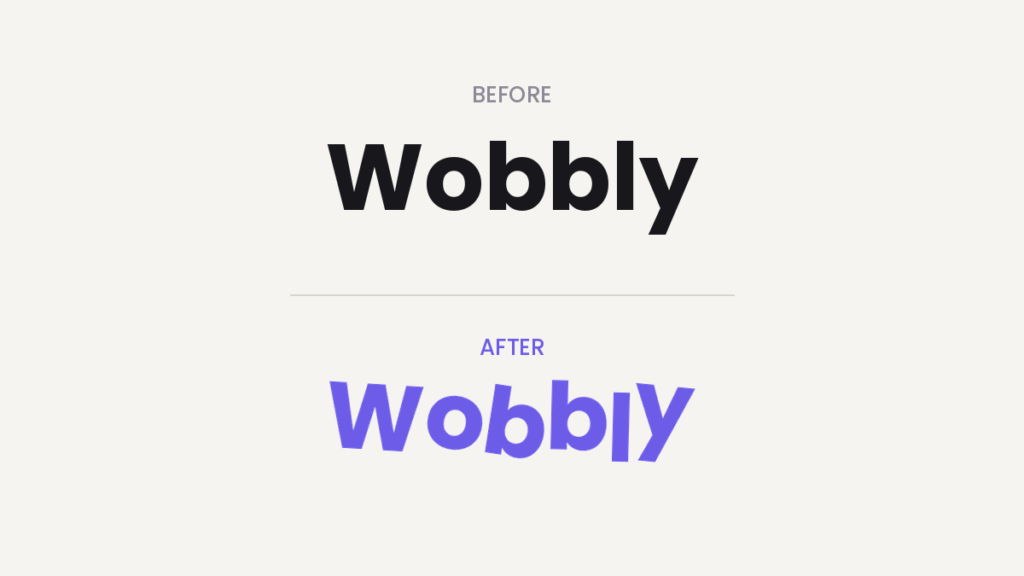
Carrd’s typography options are solid, but every letter always sits perfectly on the line. Sometimes you don’t want perfect. You want playful — the hand-made look where each letter is slightly rotated and shifted, like someone cut them out and glued them on.
Carrd can’t do this natively. But with one small script in an Embed element, it can. Copy, paste, done. Here’s how.
Who is this for?
- Anyone building a fun, personal, or aesthetic Carrd site — portfolios, fan pages, link-in-bio pages
- Sites for kids’ projects, events, indie products, anything that shouldn’t look corporate
- You’ll need Carrd Pro Standard or higher — works best with Pro Plus, see below
Probably not the right effect for your law firm’s landing page. Probably. 🙂
What the rotated letters Carrd plugin does
The script takes a headline and wraps every single letter in its own little container. Then it randomly rotates each letter a few degrees and nudges it slightly up or down. The result: a wobbly, sticker-like headline of rotated letters.
The best part: it works with a class name, so you can apply it to as many headlines on your site as you want. Tag a headline with the class wobbly and it wobbles. That’s the whole API.
How to set it up
1. Add the code to an Embed element
- In the Carrd builder, click Add Element and pick Embed.
- Set Type to Code.
- Set Style to Hidden and the location to Body End. The script needs to run after your page content has loaded, and Body End does exactly that.
- Optionally give it a Label like “Wobbly Text” so future-you knows what it is.
- Paste this into the Code field:
<script>
function wobblyText(className = 'wobbly', amount = 20) {
    document.querySelectorAll(`.${className}`).forEach(el => {
        const text = el.textContent;
        el.innerHTML = '';

        [...text].forEach(char => {
            const span = document.createElement('span');
            span.textContent = char;
            span.style.display = 'inline-block';
            span.style.transform = `
                rotate(${(Math.random() - 0.5) * amount}deg)
                translateY(${(Math.random() - 0.5) * amount * 0.3}px)
            `;
            span.style.marginLeft = `${(Math.random() - 0.5) * 0.1}em`;
            span.style.marginRight = `${(Math.random() - 0.5) * 0.1}em`;
            el.appendChild(span);
        });
    });
}

document.addEventListener('DOMContentLoaded', () => {
    wobblyText();
});
</script>
For more on embeds, refer to Carrd’s docs on embedding custom code.
2. Tag your headlines with the class
Now tell the script which headlines to wobble:
- Select a Text element you want the effect on.
- Open its Settings tab and go to Advanced.
- Under Classes, add:
wobbly
Repeat for every headline that should get the effect. One script, as many wobbly headlines as you like — that’s why we use a class instead of hardcoding a single element.
⚠️ Custom classes live in Carrd’s Advanced Settings, which need Pro Plus. On Pro Standard you can still use the script — just replace .${className} in the querySelectorAll line with your element’s ID (find it in the element’s Settings tab), e.g. '#text02'.
3. Publish and look at it
Embed elements don’t render inside the Carrd builder — that’s normal, not a bug. Hit Publish and open your live site.
Boom. Wobbly.
Tweaking the text effect
The amount parameter controls how chaotic it gets. The default is 20. Want just a hint of wobble? Change the last part of the script:
document.addEventListener('DOMContentLoaded', () => {
    wobblyText('wobbly', 10);
});10= subtle, slightly off-kilter20= playful (the default)40= ransom note
You can even define multiple classes with different intensities — call wobblyText('wobbly-light', 8) and wobblyText('wobbly-heavy', 35) on separate elements.
ℹ️ The rotation is random on every page load, so each visitor gets their own unique wobble. We think that’s charming. If you’d rather have it fixed, you’d need to hardcode the values — but honestly, the randomness is the fun part.
Pros and cons
Pros
- Free, tiny, no external libraries
- Reusable across your whole site via one class name
- Works with any font and any text color you’ve set in Carrd
Cons
- Needs Carrd Pro Standard or higher (Pro Plus for the class-based setup)
- Screen readers will read the text letter by letter in some cases — keep it to short, decorative headlines, not body text
- Doesn’t show in the builder preview, only on the published site
TL;DR
Add an Embed element (Type: Code, Style: Hidden, Body End), paste the script above, give your headline text elements the class wobbly, publish. Adjust the amount parameter to control the chaos. Requires Carrd Pro.
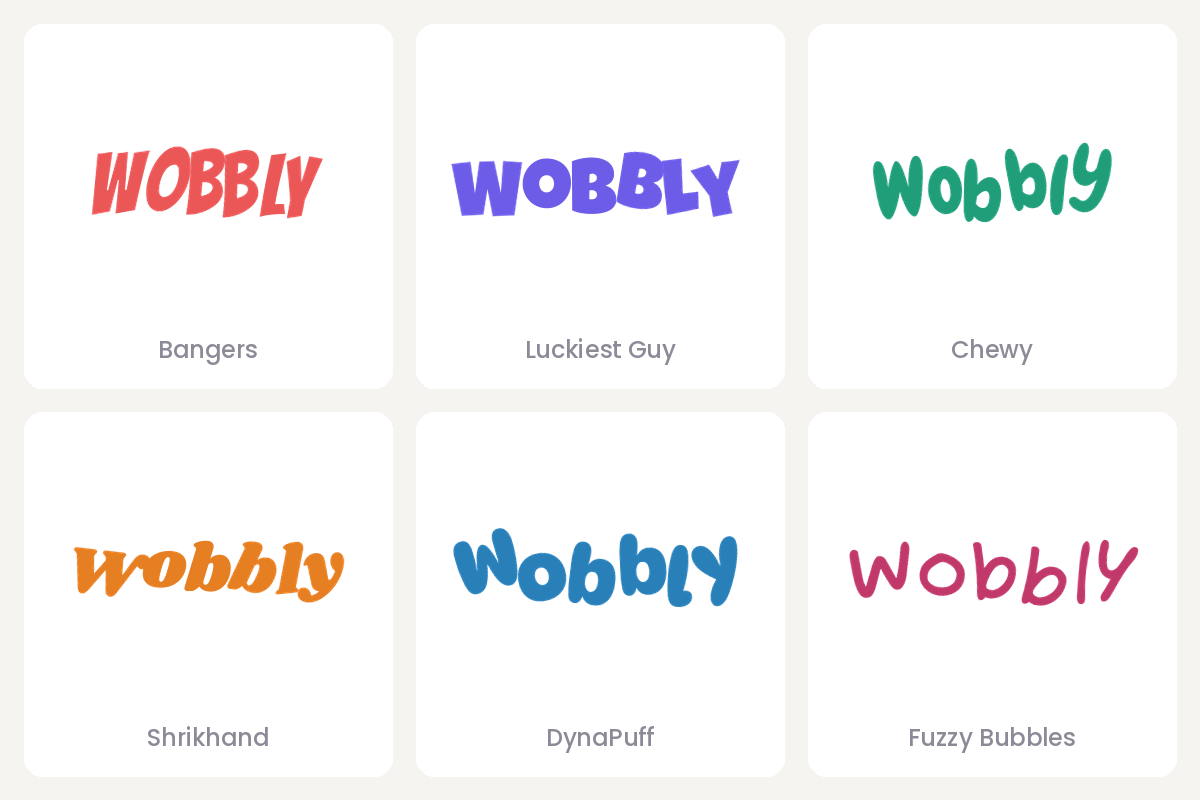
Pairs nicely with a playful font — we collected our favorites in The best cute Carrd fonts. And if custom classes are new to you, our guide on Carrd element styles is a good next read.
Check out more tips and tricks on our Carrd Blog.